Support
How do I add a new address to my account?
From the home page, click “Login” at the top right corner of the screen. On mobile devices, it will be the last option in the menu which can be expanded via the icon in the top left corner.

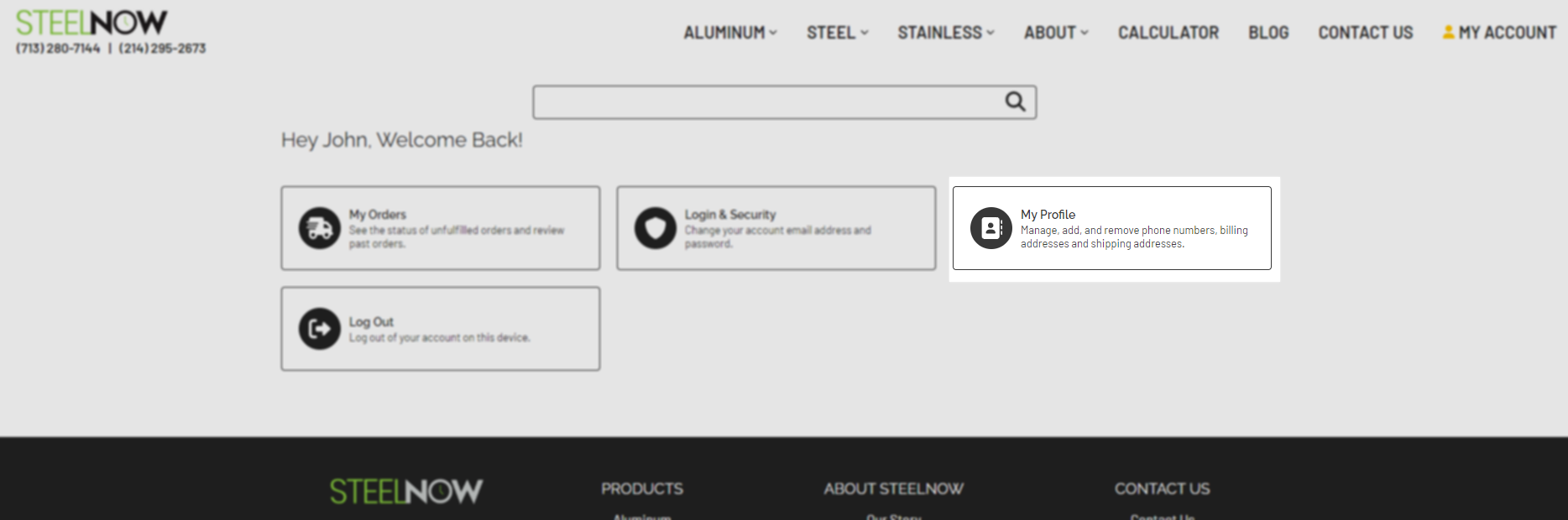
Once you are on the account page, click the “My Profile” option.
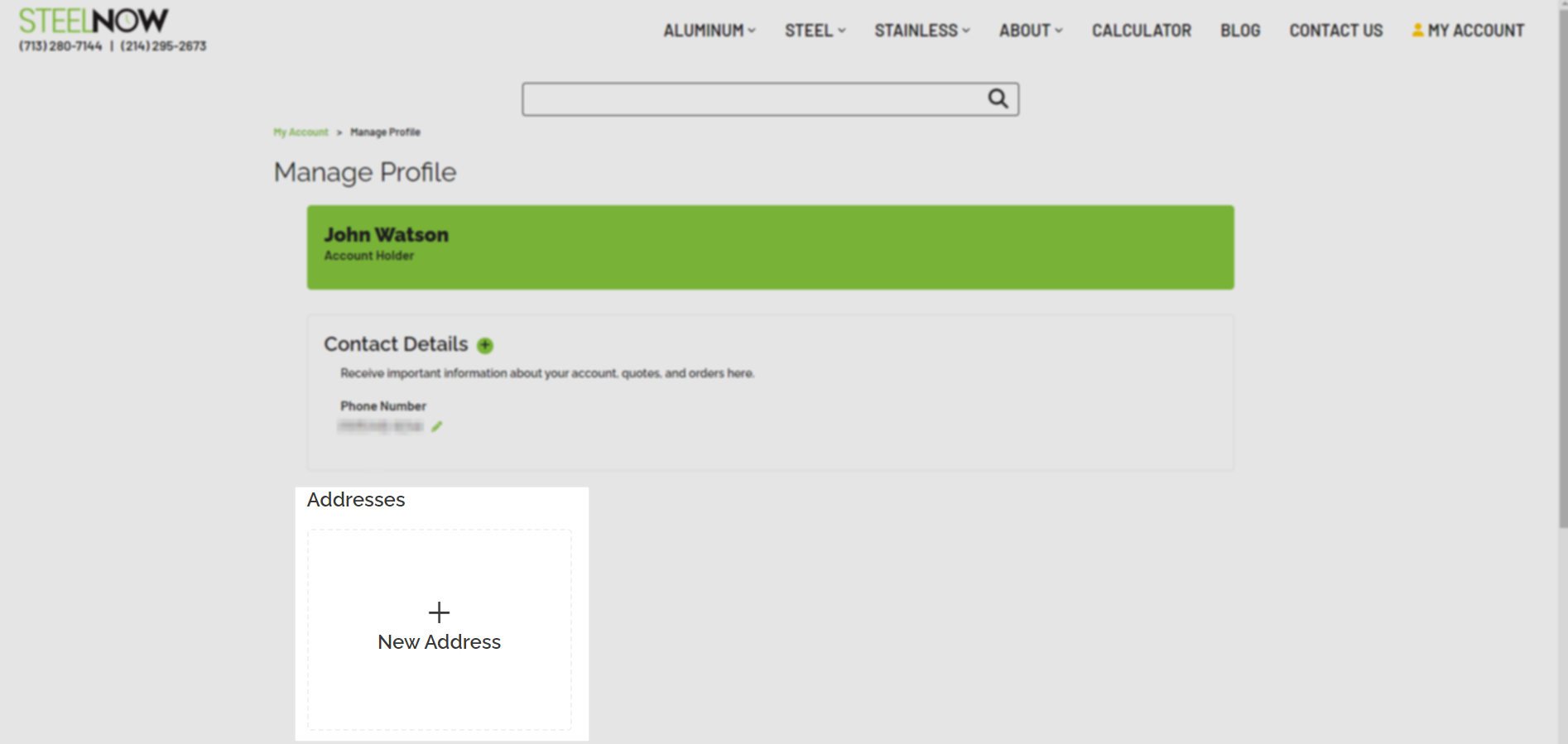
Click the “New Address” to save an address to your account.
On the following page, fill in all the necessary information.
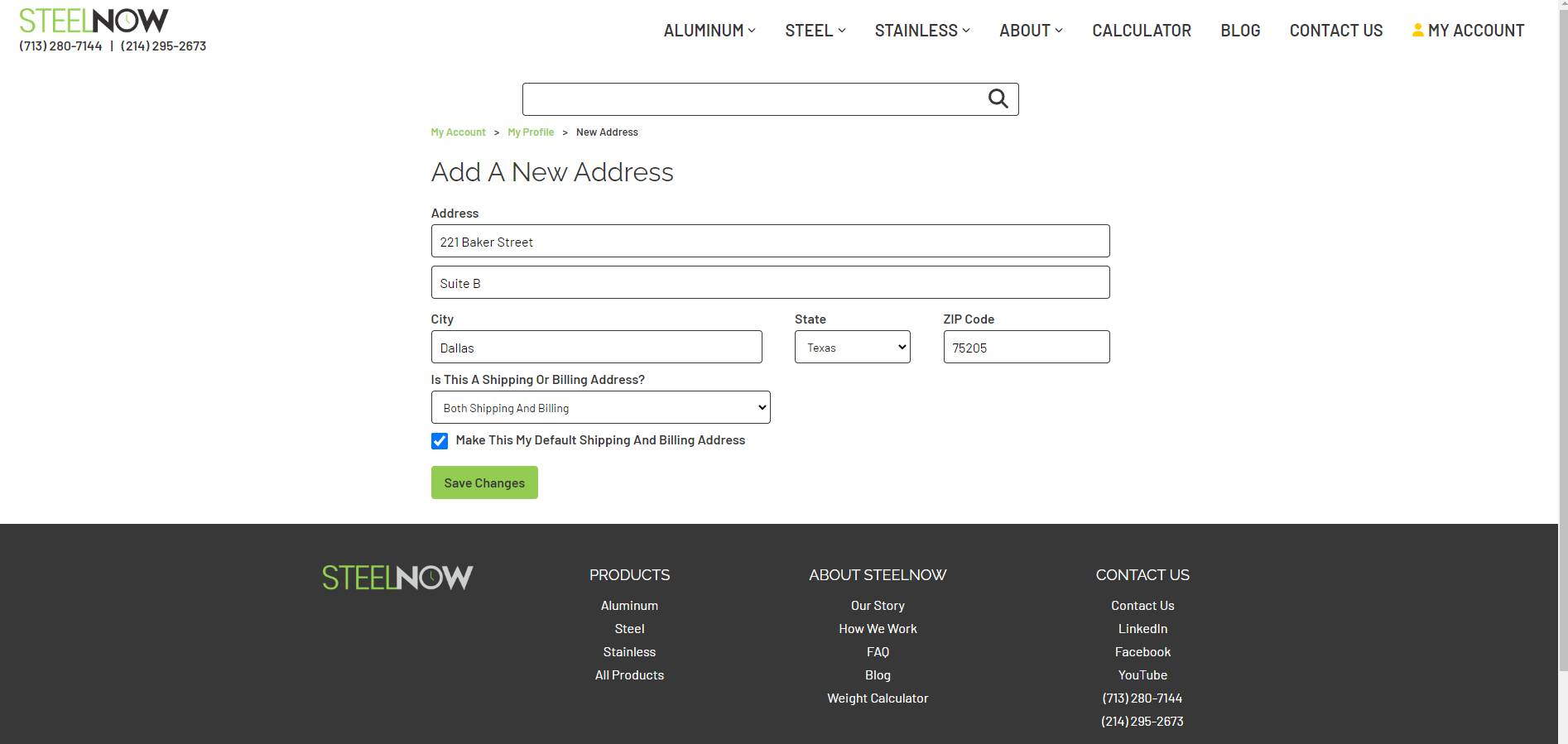
Click the “Save” button to save the address to your account.
You may add, edit, or remove addresses from your account at any time. However, you will not be able to delete your default address without saving a new address and setting that new address as default.