Support
How do I add a new phone number to my account?
From the home page, click “Login” at the top right corner of the screen. On mobile devices, it will be the last option in the menu which can be expanded via the icon in the top left corner.

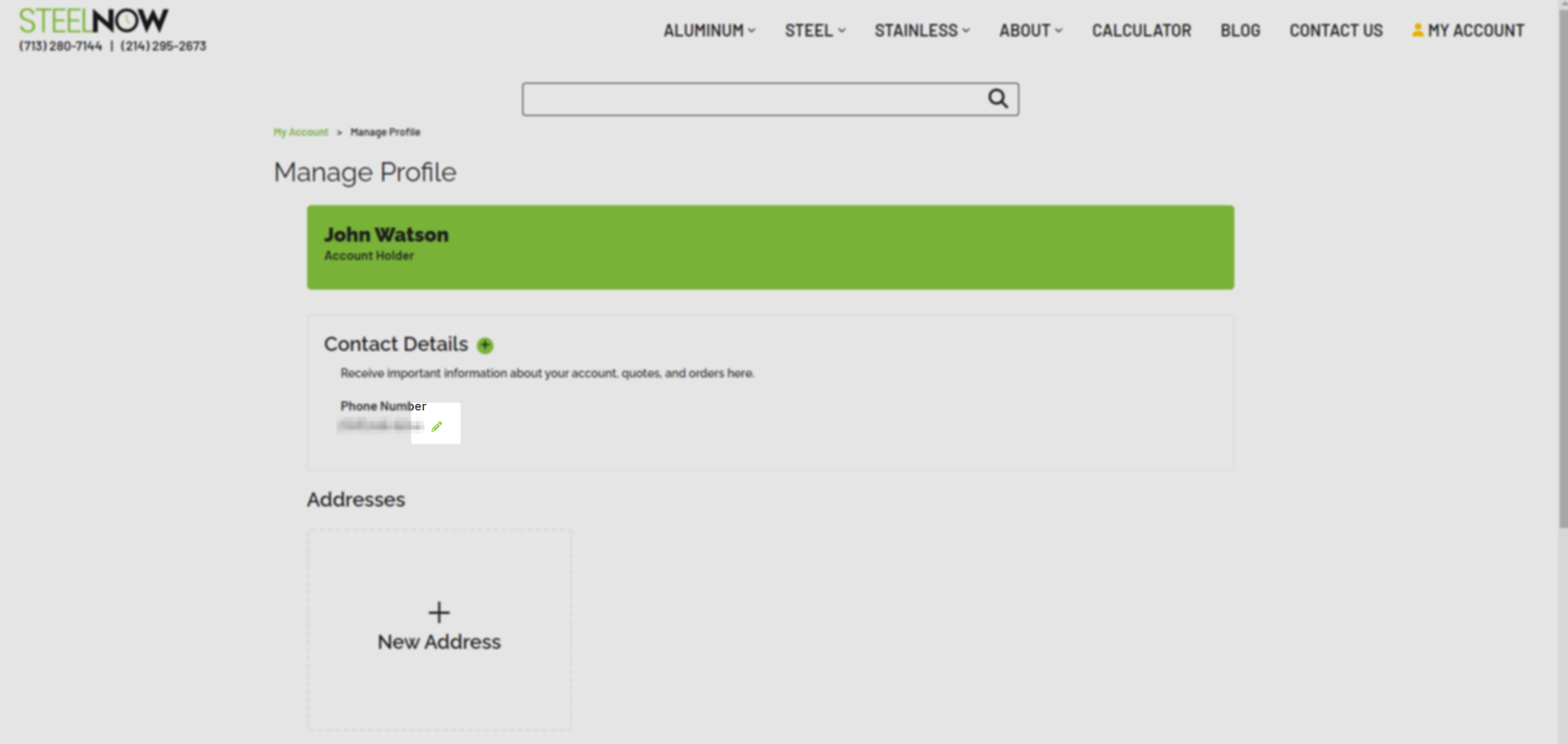
Once you are on the account page, click the “My Profile” option.

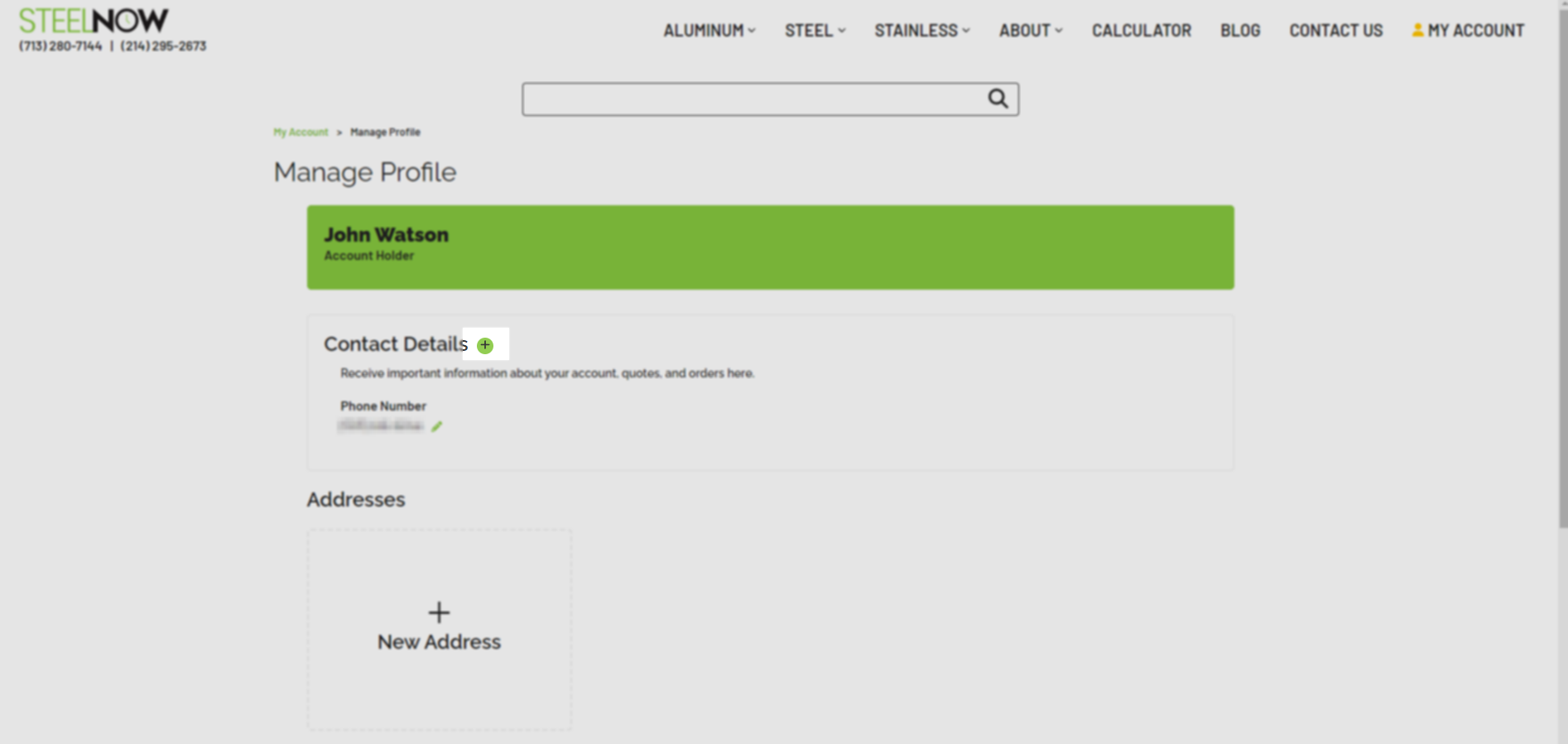
Click the “+” button next to “Contact Details” to add a new phone number to your account.
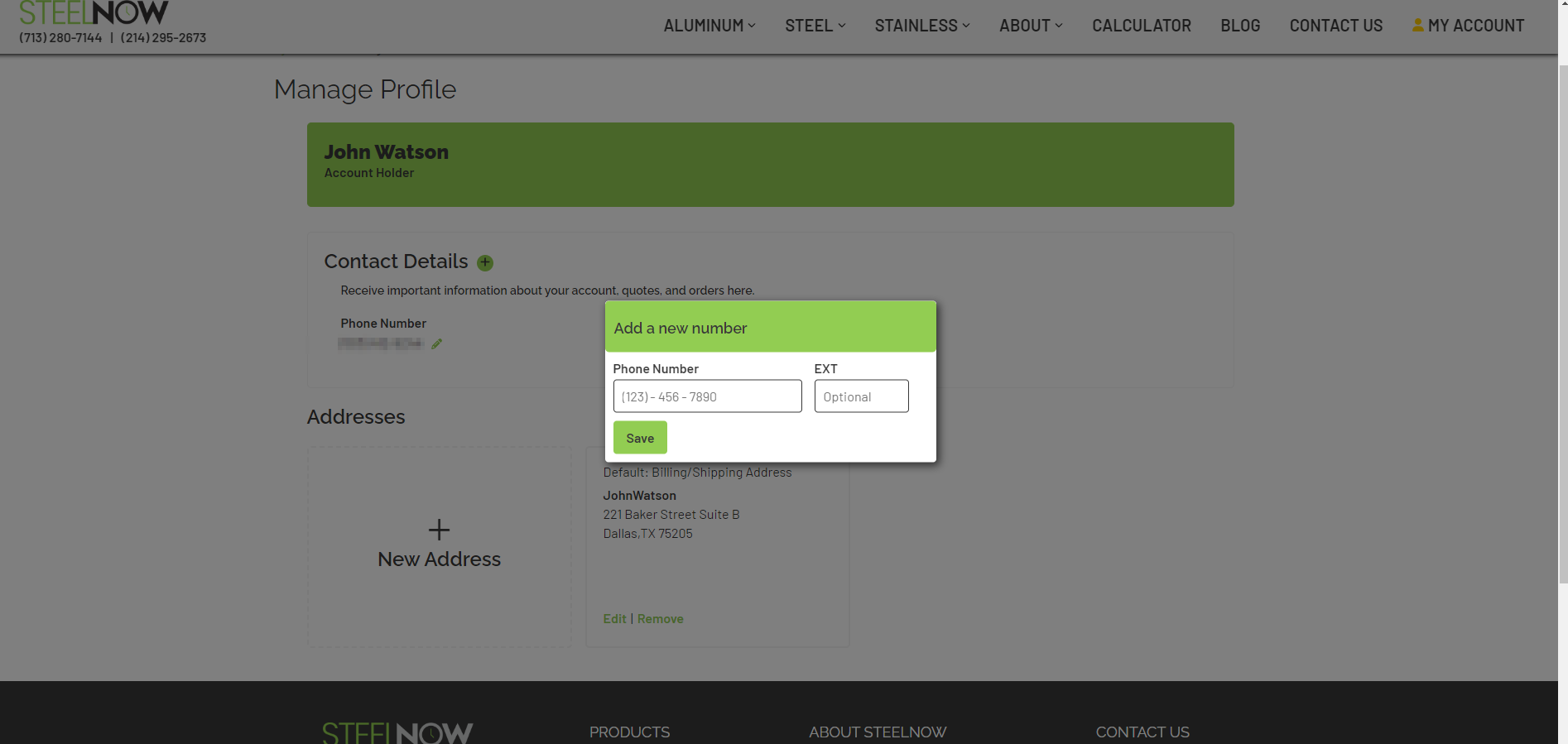
Enter the phone number you would like to add to your account and click the “Save” button.
You may add, edit, or remove phone numbers from your account at any time. To edit a phone number, click the pencil icon next to the phone number you wish to update.